 Family Ping
Know your mum got home okay.
You call your mum. It rings and rings. Is she out at the shops, or has something happened? Family Ping answers that before it turns into worry. She keeps it on her phone, you keep it on yours. When she gets home, you will know. If she needs help, one button reaches you.
- Free
- No ads
- Nothing sold
- iPhone & Android phones
- English · Română · Svenska


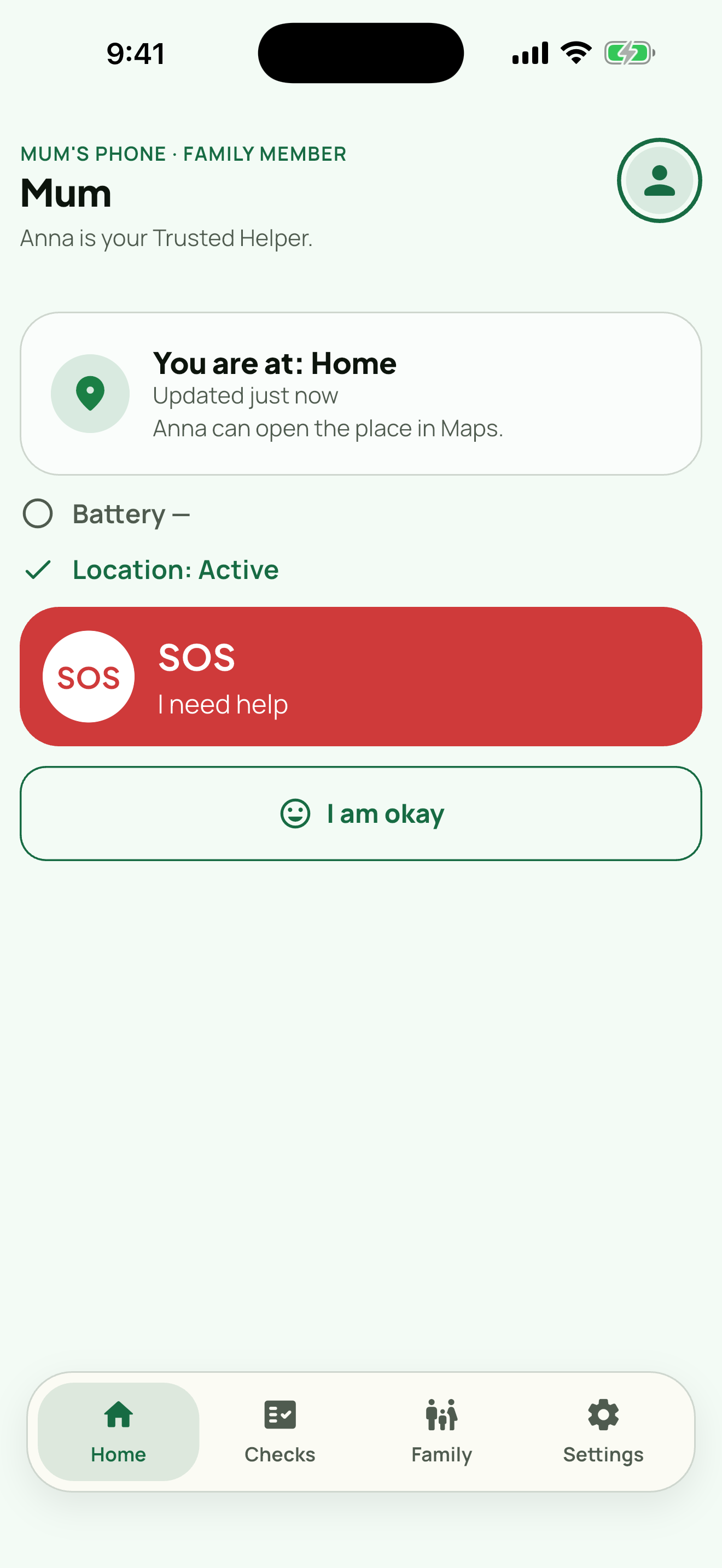
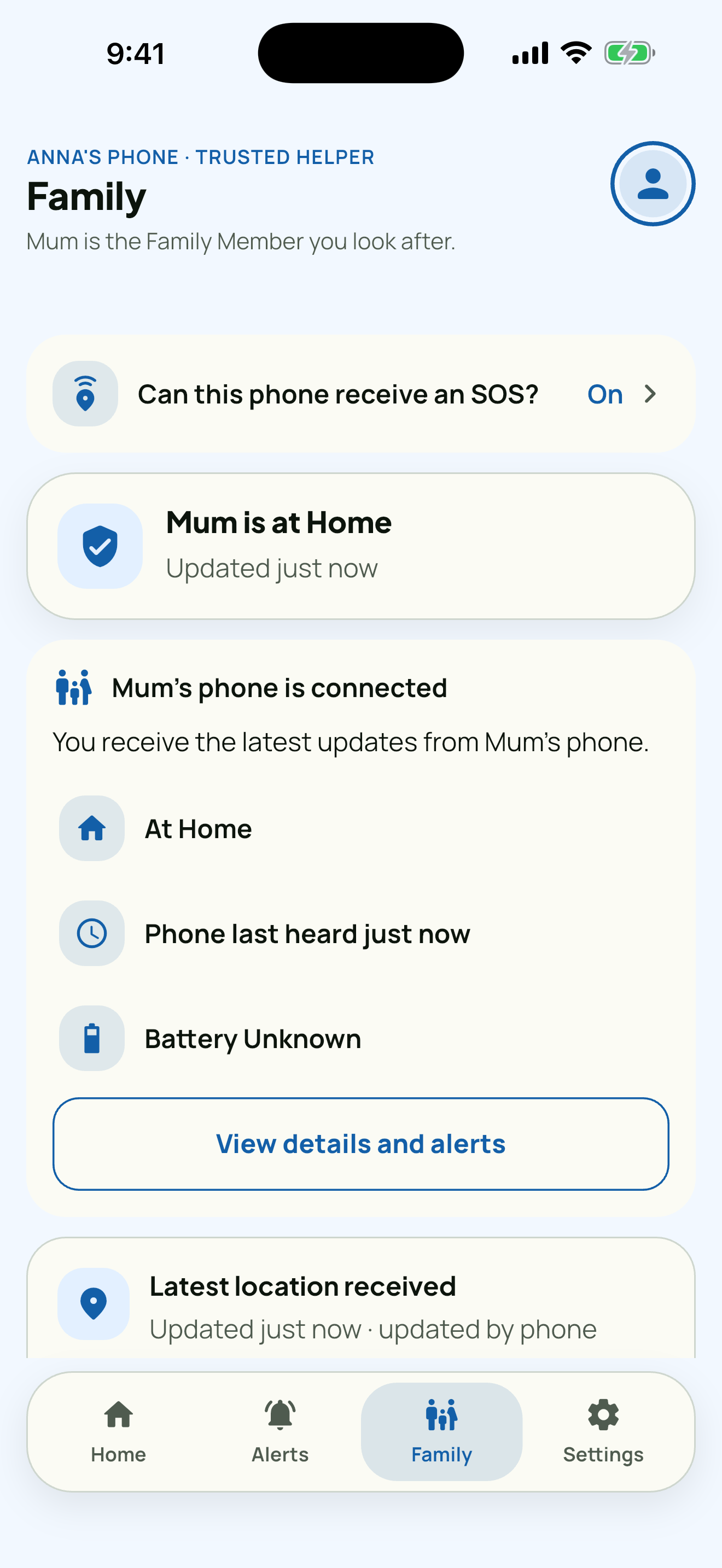
It takes two phones and five minutes.
Family Ping is not something you install on someone else's phone. Both people set it up together, and either one can stop it at any time.
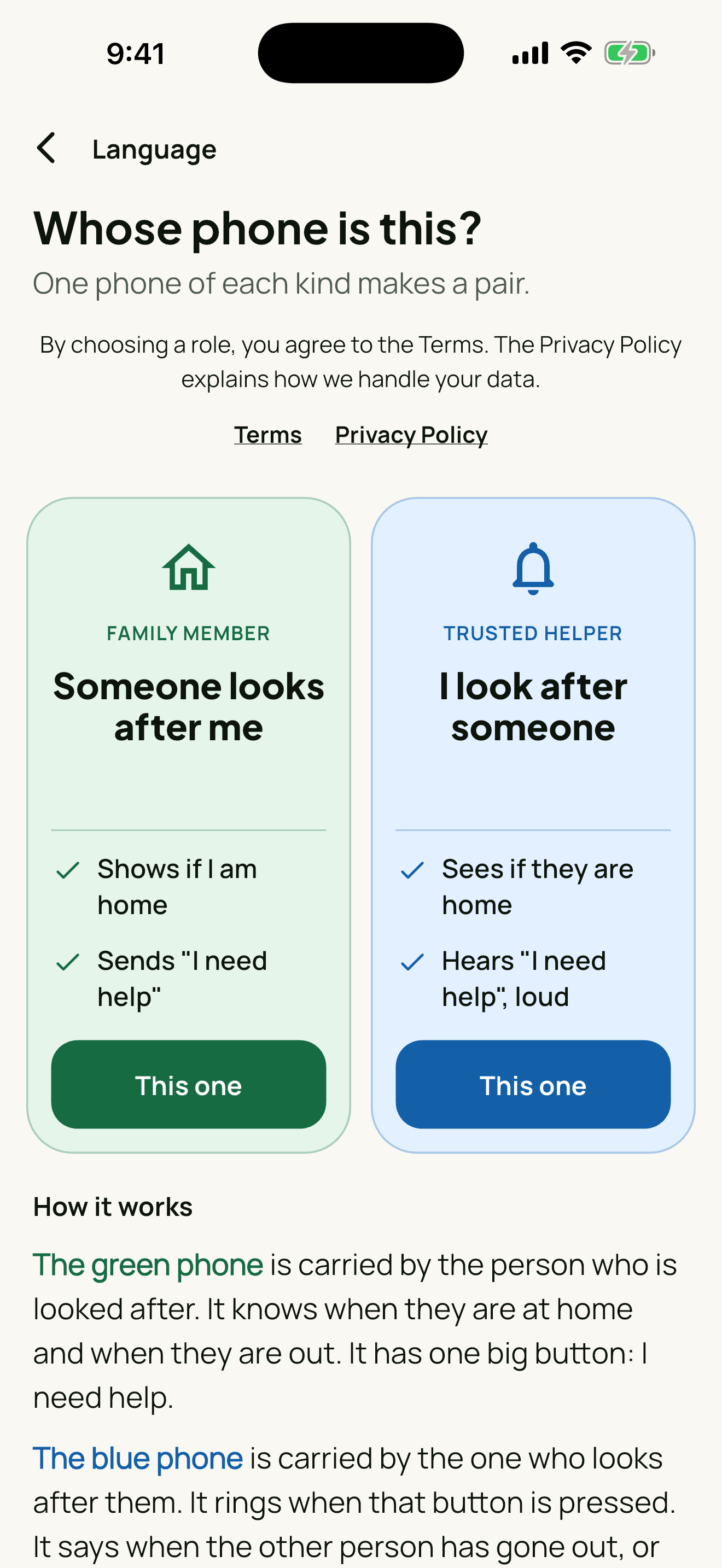
Both install the app
One person chooses Family member, the other chooses Trusted helper. Two phones, two accounts.
Connect with a code
The family member generates a single-use code. The trusted helper enters it. That is the whole pairing.
Set a safe place
Usually home. From then on the helper can see whether the phone is at the safe place, and how recently.
What it actually does
A small, honest set of things. She picks her own safe place and can stop sharing whenever she wants. Her phone tells her every time you ask where she is.
Latest known status
Is the phone at its safe place, and how long ago was that confirmed. Always shown with its age, so you can see how recent it is.
SOS
One button tells the trusted helper that help is needed, and a second one cancels it with “I am okay”.
Battery and connection
The helper sees battery level and whether the phone is still reporting — often the first sign something is off.
Open in Maps
The helper can hand the last known place straight to their maps app to go there.
To alert your helper when you leave or return to your safe place, Family Ping uses your phone’s location in the background, including when the app is closed. This happens only on the family member’s phone, only after they set it up themselves, and they can turn it off at any time in their phone’s settings.
What it looks like
What Family Ping is not
The uncomfortable parts, stated plainly — because a safety app that overpromises is worse than none.
- It is not an emergency service. SOS alerts your trusted helper. It does not call 112, 911 or any authority.
- There is no moving map. You see the latest known place and how old it is, not a moving dot.
- It cannot be installed secretly. Pairing needs a code typed on the other phone, and both sides see the connection.
- It is for adults. Both people must be 18 or older and consent for themselves.
- Location data is shared only with the one connected trusted helper. It is not sold, and not used for advertising.
- It is a phone app. There is no tablet, desktop or web version — both people need a phone.
The person you worry about needs it too
Family Ping only works in pairs. If you are installing it for a parent, a partner or a friend, send them this page — you will set it up together.